Audience
Industrial, facilities, utilities, transportation, and infrastructure maintenance organizations.
Industrial Operations · Application portfolio
Connect work orders, sensor data, inspections, parts, and asset history into one decision layer - so maintenance teams act before things fail, not after.
Design commitments for this application, not a deployment claim.
Audience
Industrial, facilities, utilities, transportation, and infrastructure maintenance organizations.
Question
Which work should be done next, and what evidence changes the priority?
Output
A prioritized work view with source evidence, constraint notes, and a proposed maintenance action ready for planner review or approved write-back.
Decision logic
Asset criticality, condition history, inspection findings, alarms, parts availability, crew skill, and operating consequence can be compared through rules, rankings, forecasts, and what-if sequencing where the required data is available.
Integration requirements
Action authority
Maintenance planners or asset owners approve schedule changes, work-order updates, and any action that affects equipment availability or safety procedure.
A concrete decision workflow
PRINCIPLEStep 1
Which work should be done next, and what evidence changes the priority?
Step 2
CMMS / EAM · Work orders · Asset history · SCADA & historians · Inspections & alarms · Vision-based condition assessment from inspection media · Vibration, thermal, and acoustic signatures from monitored assets
Step 3
Asset criticality, condition history, inspection findings, alarms, parts availability, crew skill, and operating consequence can be compared through rules, rankings, forecasts, and what-if sequencing where the required data is available.
Step 4
A prioritized work view with source evidence, constraint notes, and a proposed maintenance action ready for planner review or approved write-back. Maintenance planners or asset owners approve schedule changes, work-order updates, and any action that affects equipment availability or safety procedure.
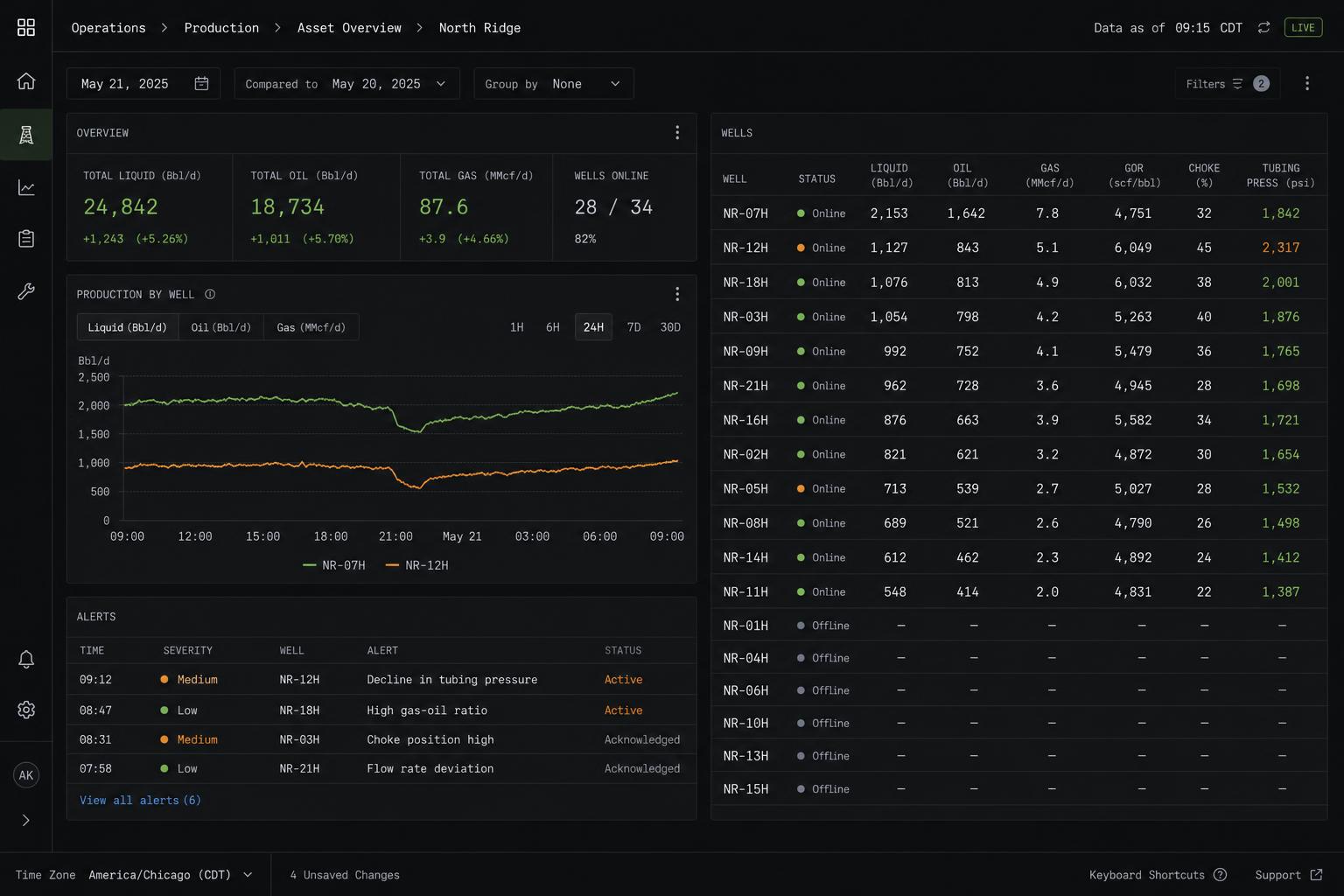
Representative interface · Product status not independently verified · Not a customer deployment
Source context, recommendations, permissions, and operator review remain visible on the same working surface.
The path begins with one bounded decision, connects the systems holding its evidence, puts a working surface in front of operators, then hardens permissions and audit before expanding.
Public customer case studies are not yet available. The workflows shown here are representative and are not customer attributions or performance claims.
One operating view · Maintenance Intelligence
The same working path runs through every Ridgeline application.