Audience
Defense, government, and mission-critical organizations responsible for sustaining force or operational readiness.
Defense & Readiness · Application portfolio
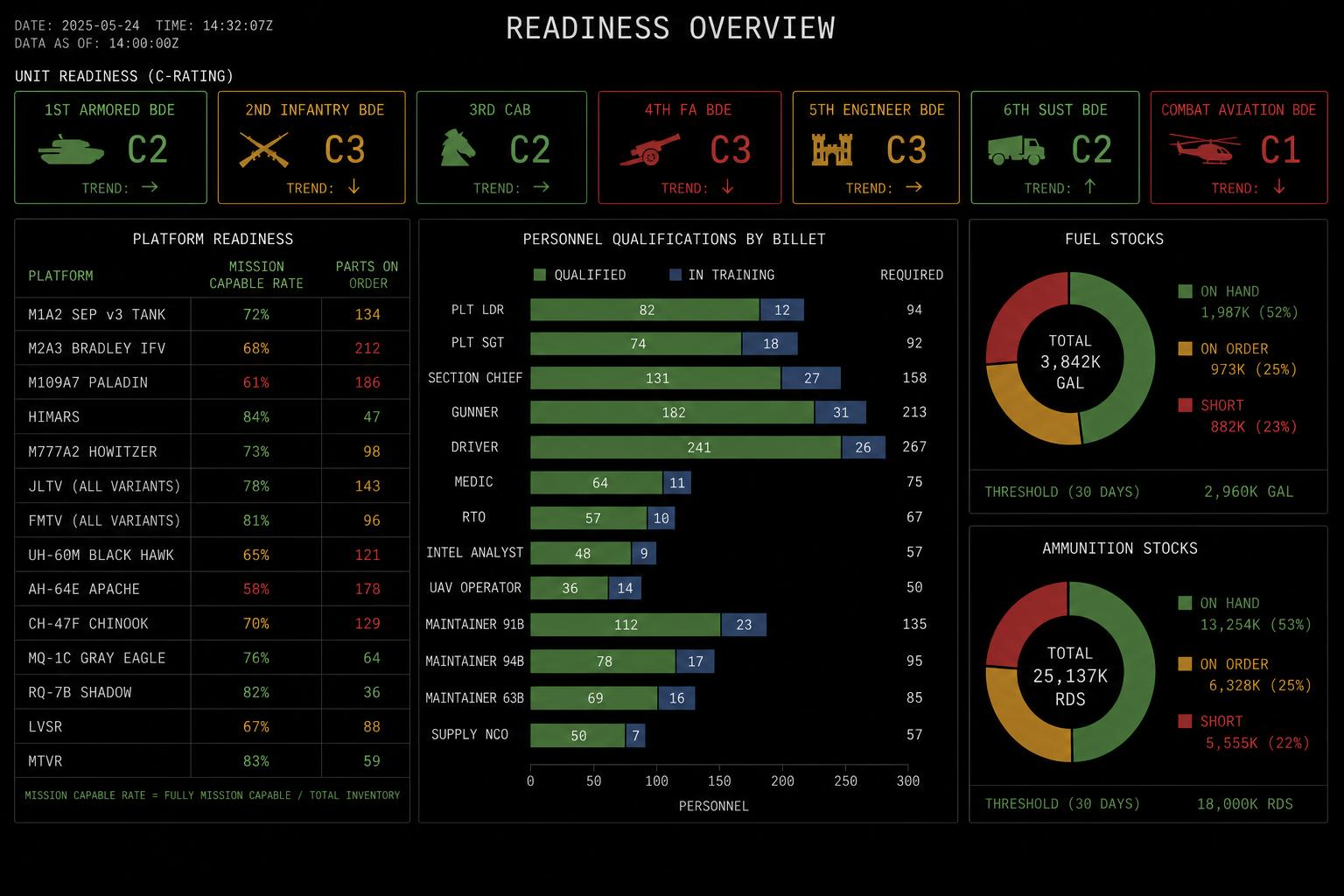
A live view of force readiness - assets, personnel, training, maintenance, parts, and facilities - connected to the decisions leaders have to make.
Design commitments for this application, not a deployment claim.
Audience
Defense, government, and mission-critical organizations responsible for sustaining force or operational readiness.
Question
What readiness gap matters now, what is driving it, and who can clear it?
Output
A readiness brief and gap queue that links each issue to the unit, asset, training, maintenance, facility, or logistics evidence behind it.
Decision logic
Readiness posture can combine thresholds, dependency rules, gap clustering, trend comparison, budget and parts constraints, and commander-defined priorities. Scenario views show assumptions; forecasts depend on available history and refresh cadence.
Integration requirements
Action authority
Command or program owners retain authority for readiness declarations, resource movement, tasking, and mission-impacting changes.
A concrete decision workflow
PRINCIPLEStep 1
What readiness gap matters now, what is driving it, and who can clear it?
Step 2
Asset records · Maintenance data · Personnel & training status · Schedules · Inventory & parts · Inspection imagery and video from assets and facilities · Condition and vibration telemetry from monitored equipment
Step 3
Readiness posture can combine thresholds, dependency rules, gap clustering, trend comparison, budget and parts constraints, and commander-defined priorities. Scenario views show assumptions; forecasts depend on available history and refresh cadence.
Step 4
A readiness brief and gap queue that links each issue to the unit, asset, training, maintenance, facility, or logistics evidence behind it. Command or program owners retain authority for readiness declarations, resource movement, tasking, and mission-impacting changes.
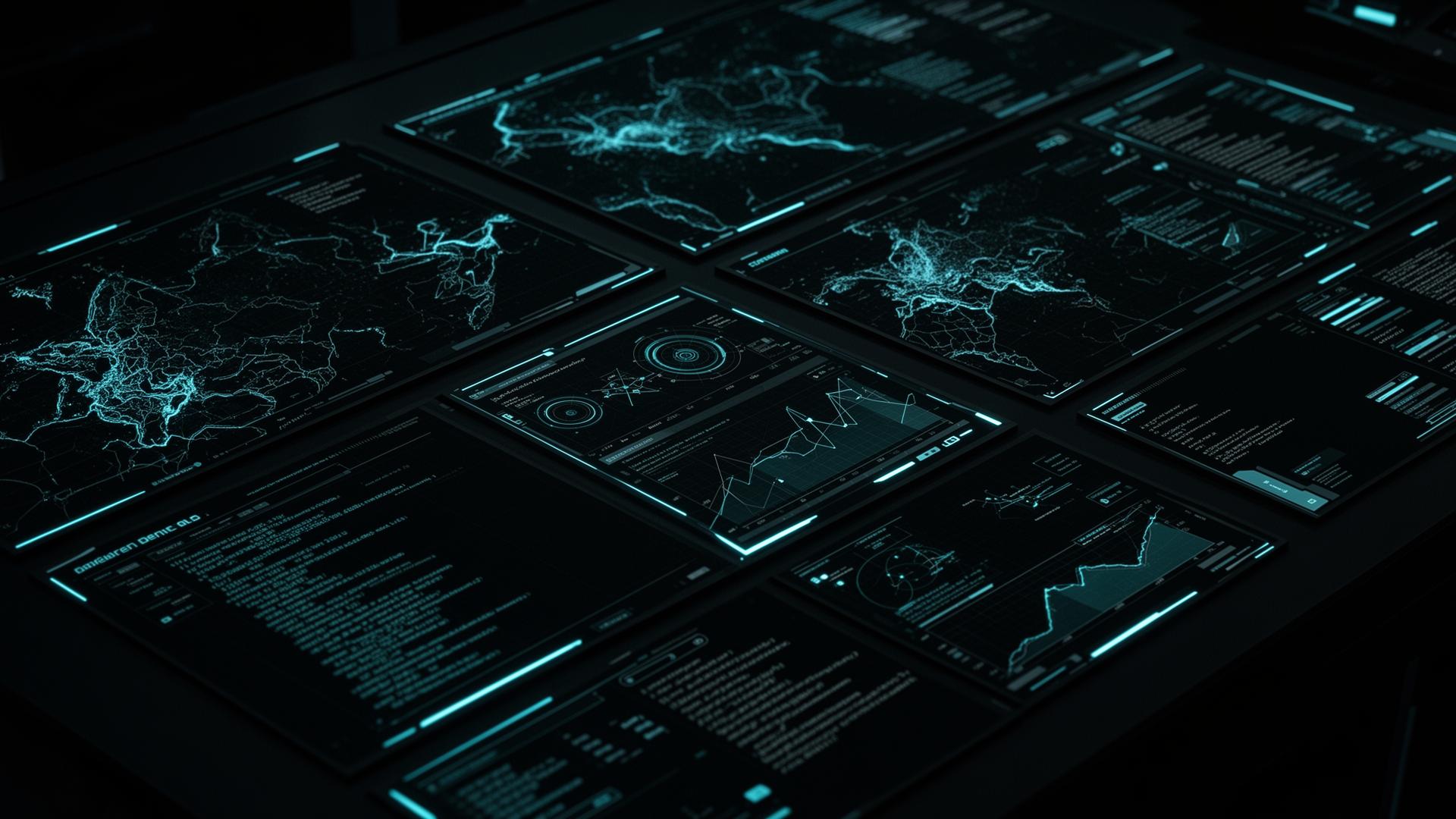
Representative interface · Product status not independently verified · Not a customer deployment
Source context, recommendations, permissions, and operator review remain visible on the same working surface.
The path begins with one bounded decision, connects the systems holding its evidence, puts a working surface in front of operators, then hardens permissions and audit before expanding.
Public customer case studies are not yet available. The workflows shown here are representative and are not customer attributions or performance claims.
One operating view · Readiness Command Center
The same working path runs through every Ridgeline application.