Audience
Field service, construction, facilities, utilities, logistics, and industrial field teams.
Field Operations · Application portfolio
Context-aware work for field teams - plans, assets, history, and conditions delivered to the person doing the job, with a clean path back to the enterprise.
Design commitments for this application, not a deployment claim.
Audience
Field service, construction, facilities, utilities, logistics, and industrial field teams.
Question
What context does the field team need now, and what must return to the record?
Output
A field work surface with current context, a draft closeout or escalation, source references, and confirmation of what was submitted or could not be completed.
Decision logic
Job plans, asset history, hazards, procedures, location, closeout requirements, media, and exceptions can be assembled into a task view that drafts updates, flags missing evidence, and routes issues to the right owner.
Integration requirements
Action authority
Technicians, supervisors, safety leads, and asset owners approve closeout, escalation, dispatch, and any change that alters the authorized work scope.
A concrete decision workflow
PRINCIPLEStep 1
What context does the field team need now, and what must return to the record?
Step 2
Job plans & work orders · Schedules & crew assignments · Asset data & history · Field reports · Safety procedures · Field capture from mobile devices and wearables · Geospatial position and site context
Step 3
Job plans, asset history, hazards, procedures, location, closeout requirements, media, and exceptions can be assembled into a task view that drafts updates, flags missing evidence, and routes issues to the right owner.
Step 4
A field work surface with current context, a draft closeout or escalation, source references, and confirmation of what was submitted or could not be completed. Technicians, supervisors, safety leads, and asset owners approve closeout, escalation, dispatch, and any change that alters the authorized work scope.

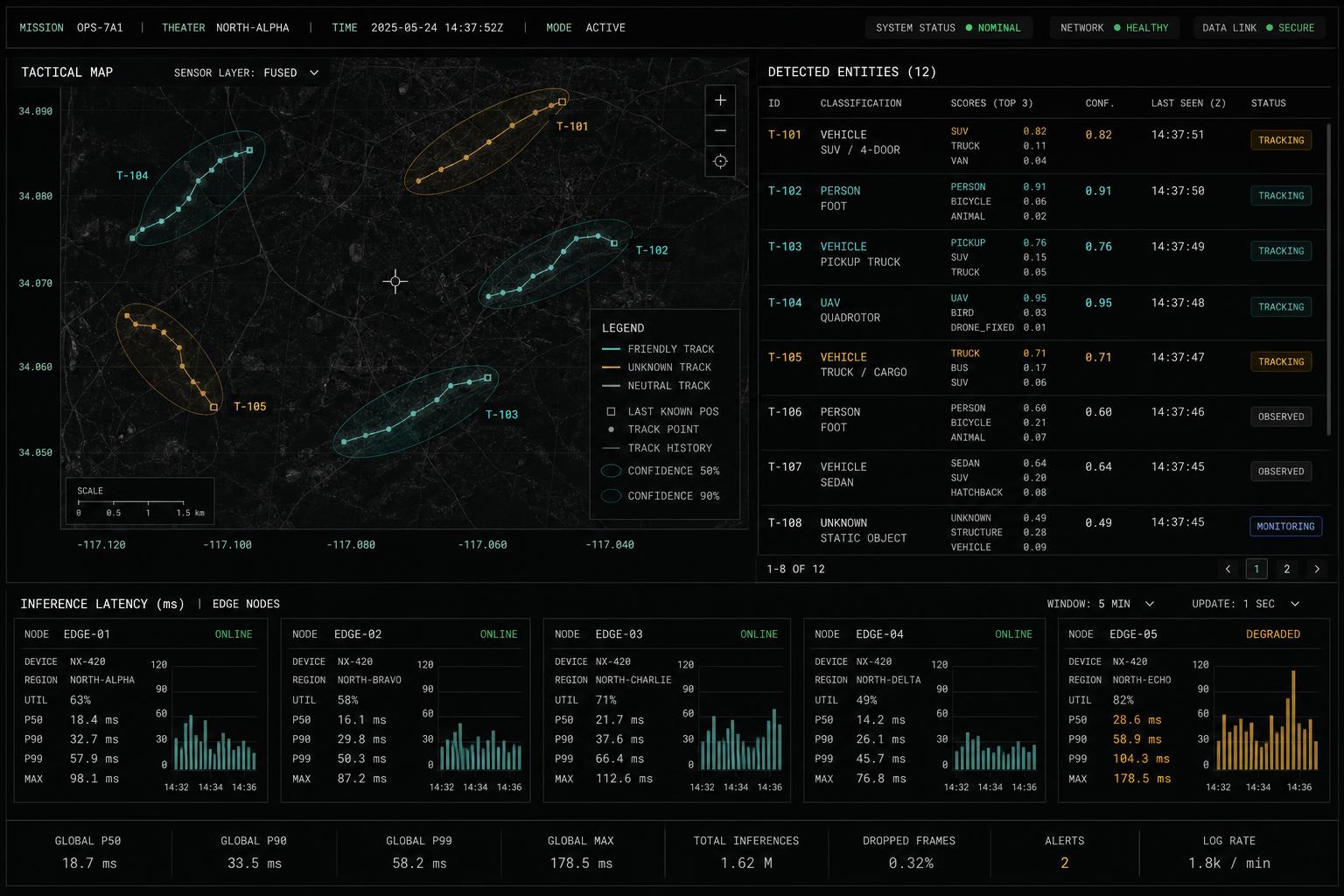
Representative interface · Product status not independently verified · Not a customer deployment
Source context, recommendations, permissions, and operator review remain visible on the same working surface.
The path begins with one bounded decision, connects the systems holding its evidence, puts a working surface in front of operators, then hardens permissions and audit before expanding.
Public customer case studies are not yet available. The workflows shown here are representative and are not customer attributions or performance claims.
One operating view · Field Operations Copilot
The same working path runs through every Ridgeline application.