Audience
Real estate, facilities, asset management, facilities operations, and distributed-site operators outside of purpose-built Operator Portfolio.
Portfolio Operations · Application portfolio
A horizontal operating picture for multi-site real estate and facilities portfolios: performance, occupancy, maintenance, finance, compliance, and operational metrics tied together on the Ridgeline spine.
Operator Portfolio vertical
The named application for portfolio-scale facilities operations, bringing census, maintenance, compliance and occupant experience into one governed loop.
Design commitments for this application, not a deployment claim.
Audience
Real estate, facilities, asset management, facilities operations, and distributed-site operators outside of purpose-built Operator Portfolio.
Question
Which site, asset, or operating driver explains the portfolio signal?
Output
A portfolio operating view that traces a signal from rollup to site, asset, contract, obligation, or work stream, with a recommended next review path.
Decision logic
Site metrics, occupancy, maintenance, finance, compliance, asset condition, and operating definitions can be normalized for comparison, variance explanation, drilldown, and portfolio-level review.
Integration requirements
Action authority
Portfolio, asset-management, facilities, finance, and facilities operations leaders approve interventions, definition changes, and external commitments.
A concrete decision workflow
PRINCIPLEStep 1
Which site, asset, or operating driver explains the portfolio signal?
Step 2
Property & asset data · Work orders · Occupancy · Commitments · Financial performance · Property and facility condition capture across the portfolio · Building systems and metering telemetry
Step 3
Site metrics, occupancy, maintenance, finance, compliance, asset condition, and operating definitions can be normalized for comparison, variance explanation, drilldown, and portfolio-level review.
Step 4
A portfolio operating view that traces a signal from rollup to site, asset, contract, obligation, or work stream, with a recommended next review path. Portfolio, asset-management, facilities, finance, and facilities operations leaders approve interventions, definition changes, and external commitments.

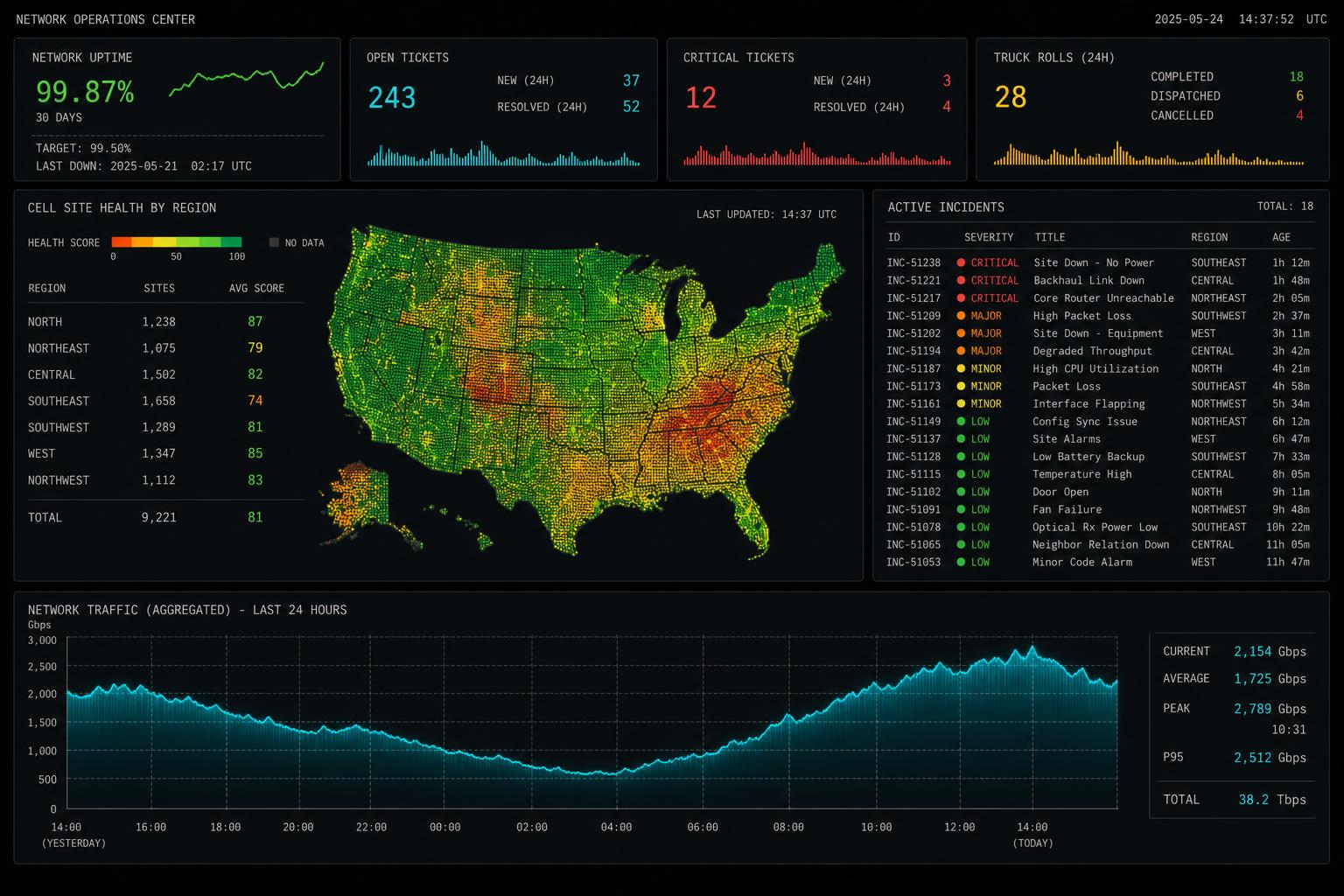
Representative interface · Product status not independently verified · Not a customer deployment
Source context, recommendations, permissions, and operator review remain visible on the same working surface.
The path begins with one bounded decision, connects the systems holding its evidence, puts a working surface in front of operators, then hardens permissions and audit before expanding.
Public customer case studies are not yet available. The workflows shown here are representative and are not customer attributions or performance claims.
One operating view · Portfolio Intelligence
The same working path runs through every Ridgeline application.